FabLibrary
An open design library for the K12 students of Hisar IdeaLab FabLab. Every project is a mission: first assemble, then modify, then design your own.
Assemble → Modify → Design → Fabricate → Test → Improve
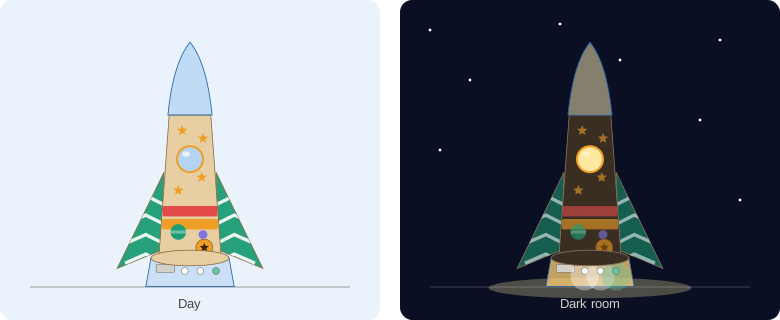
Illustration of a finished ship.
-
Welcome Space · Mission 01
An LED-lit, personalized desktop spaceship. Laser cutting, 3D printing and solderless electronics in 60 minutes.
Grade 4 · v1 prototype
-
Mission 02 – Modify
Design your own wing, cut it on the laser, attach it to your ship.
Coming soon
-
Play the game · Mission Control
Six short missions on the iPad: match parts to machines, light the LEDs, hunt bugs and design your own ship.
The path
| Mission | Idea | Status |
|---|---|---|
| 01 Assemble | Build and light your own spaceship from ready-made digital-fabrication parts | v1 prototype |
| 02 Modify | Change a part: your own wing shape | Planned |
| 03 Design | Design a part in CAD from scratch | Planned |
| 04 Fabricate | Cut and print your own design | Planned |
| 05 Improve | Test, find what to fix, make version 2 | Planned |
Your first design does not have to be your last design.