Parts and files
Everything for this project is on this page: every part, every file format, the 3D models, the sources and the tools. Click a picture to see it large.
Download everything as one ZIP Open the full file list
The ZIP holds every editable file and keeps the repository folder layout. It leaves out the generated bulk (3D explorer data and preview meshes), which the generators rebuild.
Pick your program
| I use | Take | Where on this page |
|---|---|---|
| Inkscape | the Inkscape SVG | "Open it in" column of every laser, Roland and sticker file |
| Adobe Illustrator | the Illustrator SVG | same column |
| Laser or Roland software (Epilog, xTool, LightBurn, CutStudio) | the DXF or the Illustrator SVG | same column |
| Onshape or other CAD | the Onshape sketch (DXF) | same column, and the 3D printed parts table |
| A slicer (Bambu Studio) | the STL | 3D printed parts |
| OpenSCAD | the .scad source |
3D printed parts |
| Just looking | the picture, or the 3D explorer | pictures below, 3D explorer |
How the formats differ, and how to build an editable Onshape model: Files for Inkscape, Illustrator and Onshape. How to edit SVG files safely: Editing the SVG files.
Tolerances are estimates
All dimensions are estimates until the first tests. Open one file in your own program, measure it (a plate must be 110 mm), then cut a test piece on scrap plywood. Convert text to outlines before it goes to the laser.
Model A: electronics under the plate
Laser and Roland files
| Part | Picture (click to enlarge) | As made | Open it in |
|---|---|---|---|
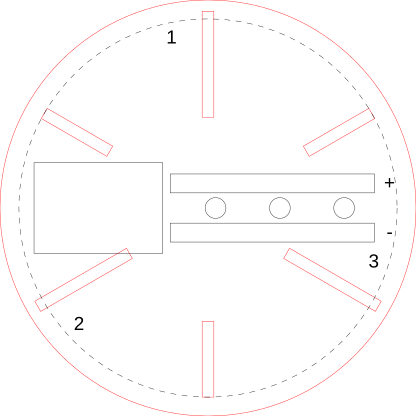
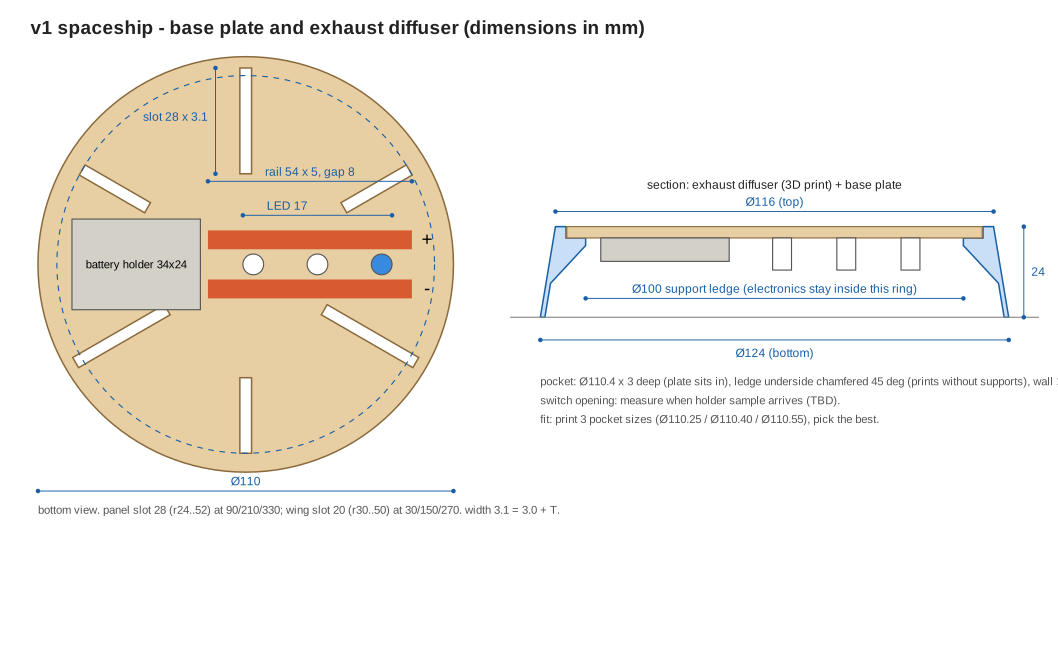
| Base plate Ø110, 3 mm plywood, ×1 |
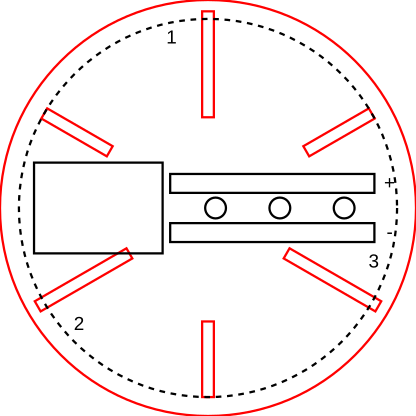 |
SVG | Inkscape · Illustrator · DXF · Onshape sketch |
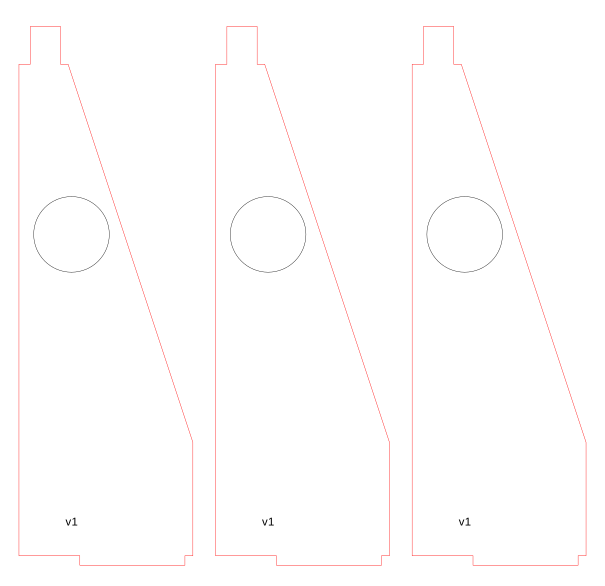
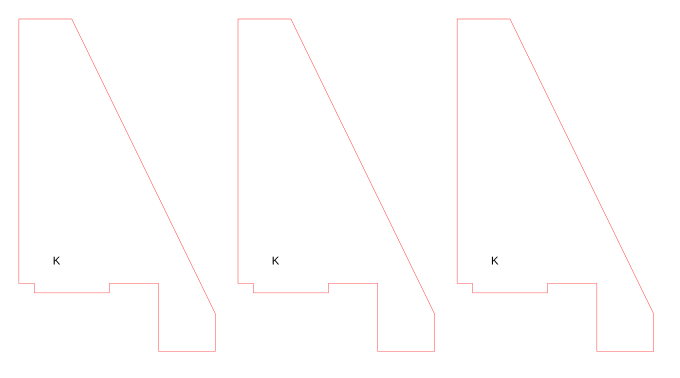
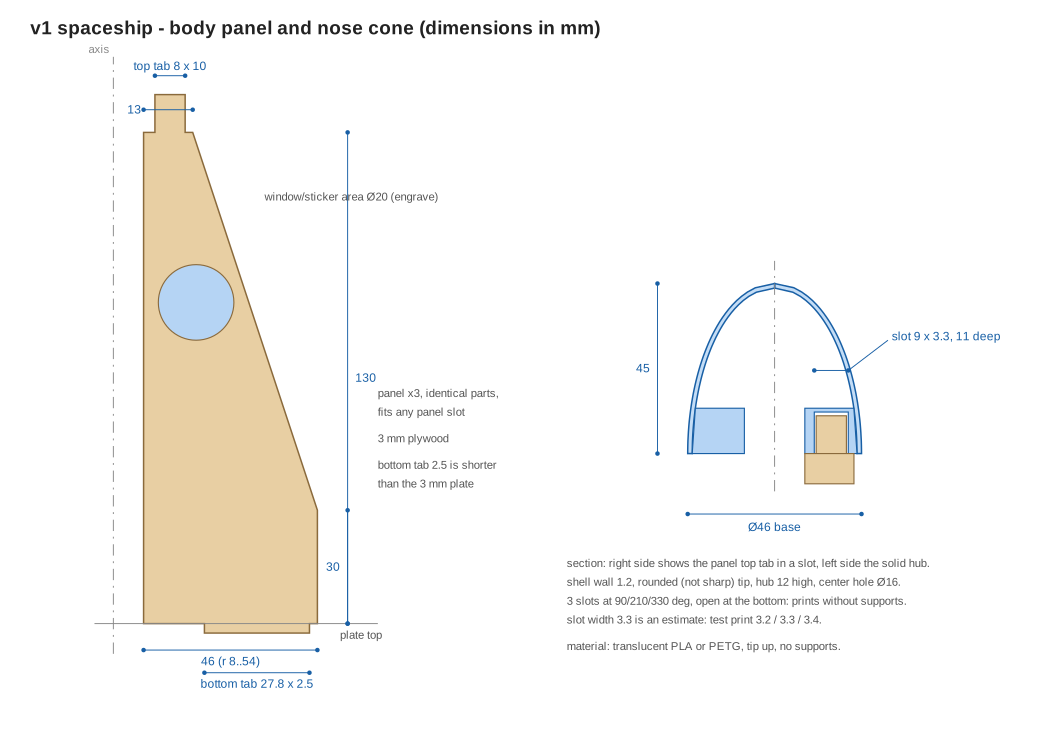
| Body panels 3 mm plywood, ×3 |
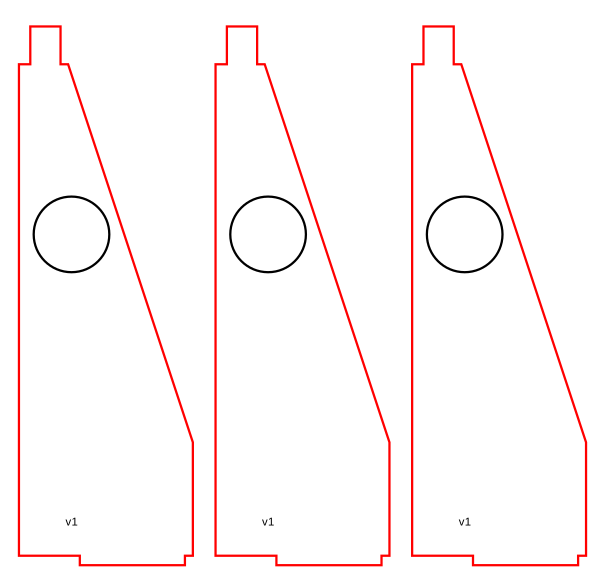 |
SVG | Inkscape · Illustrator · DXF · Onshape sketch |
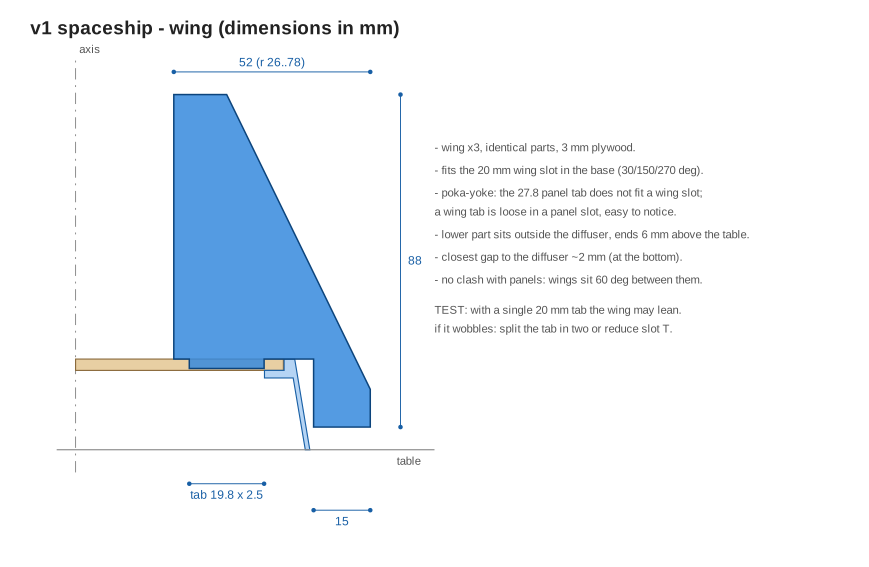
| Wings 3 mm plywood, ×3 |
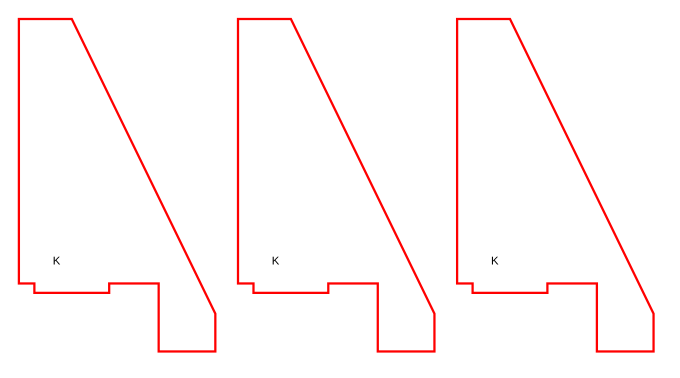 |
SVG | Inkscape · Illustrator · DXF · Onshape sketch |
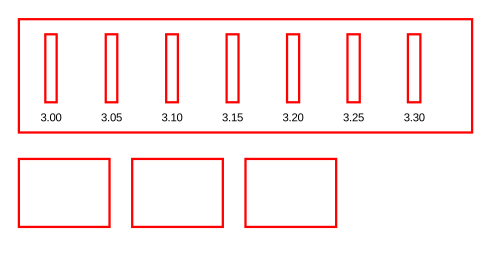
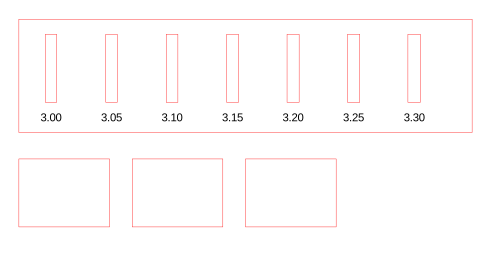
| Comb test slot widths 3.00 to 3.30 mm |
 |
SVG | Inkscape · Illustrator · DXF |
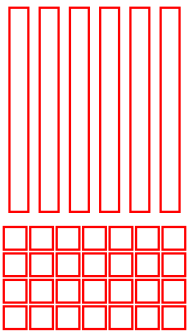
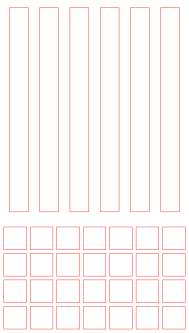
| Copper rails and patches Roland GS-24, 50 mm roll, 3 kits per band |
 |
SVG | Inkscape · Illustrator · DXF |










3D printed parts
| Part | As made | Open it in |
|---|---|---|
| Nose cone translucent PLA or PETG, ×1 |
STL · OpenSCAD | Onshape sketch · View in 3D |
| Base diffuser translucent, ×1, shared by Model A and B |
STL · OpenSCAD | Onshape sketch · View in 3D |
Model B: LEDs outside
See Model A or Model B? for the differences and the tests.
Laser and Roland files
| Part | Picture (click to enlarge) | As made | Open it in |
|---|---|---|---|
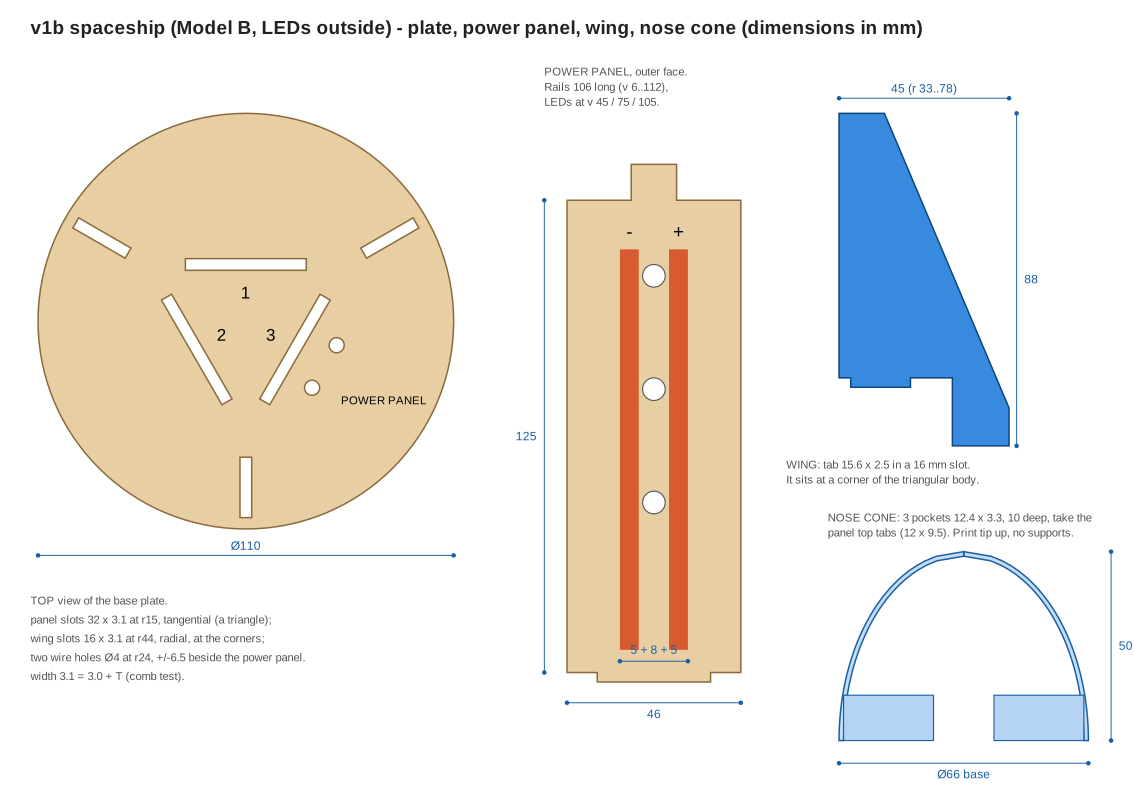
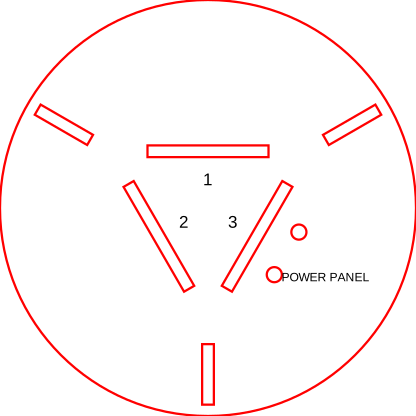
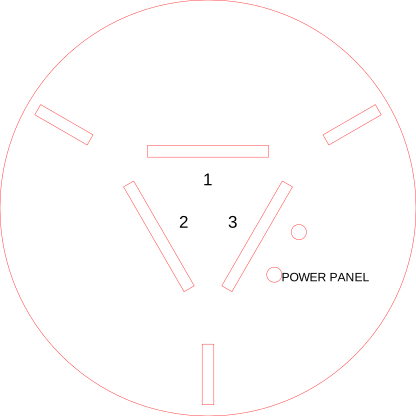
| Base plate B Ø110, 3 panel slots, 3 wing slots, 2 wire holes |
 |
SVG | Inkscape · Illustrator · DXF · Onshape sketch |
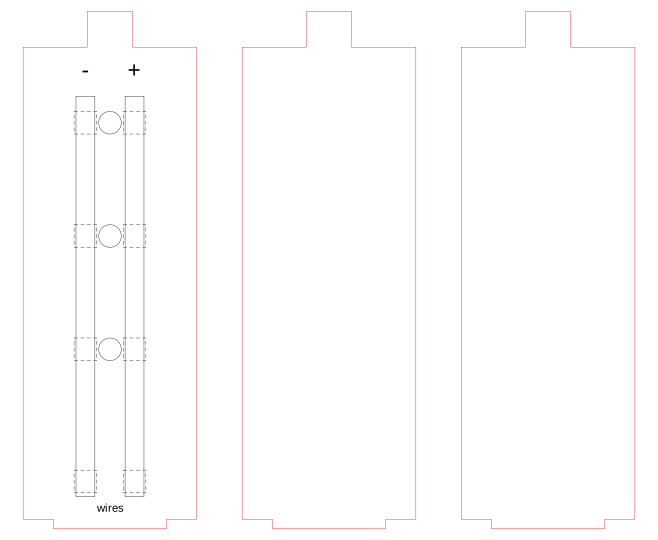
| Panel set B 1 power panel + 2 plain panels |
 |
SVG | Inkscape · Illustrator · DXF · Onshape sketch |
| Wings B 3 mm plywood, ×3 |
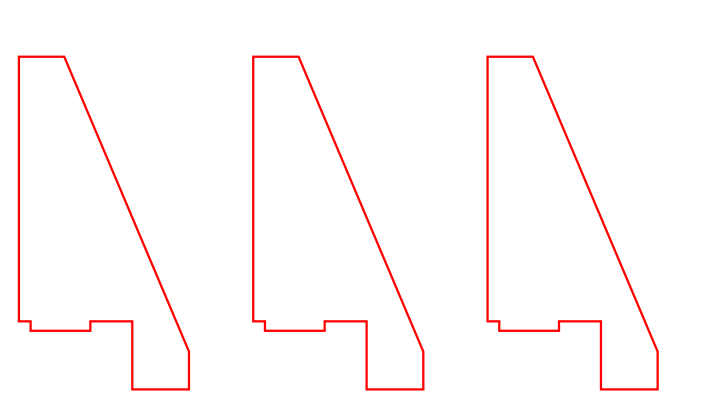 |
SVG | Inkscape · Illustrator · DXF · Onshape sketch |
| Copper rails B 2 rails 106 mm + patches, Roland GS-24 |
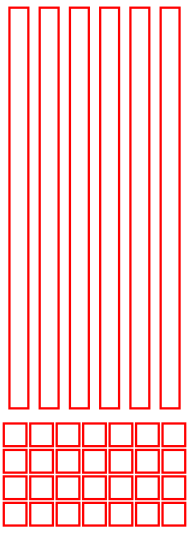 |
SVG | Inkscape · Illustrator · DXF |




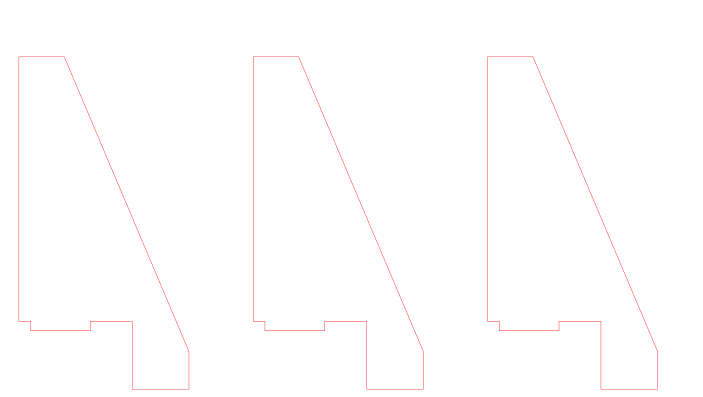


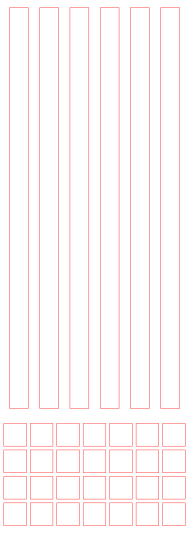


3D printed parts
| Part | As made | Open it in |
|---|---|---|
| Nose cone B translucent, Ø66 base, ×1 |
STL · OpenSCAD | Onshape sketch · View in 3D |
| The diffuser is the same part as in Model A. |
Stickers and printable cards
| Part | Picture (click to enlarge) | As made | Open it in |
|---|---|---|---|
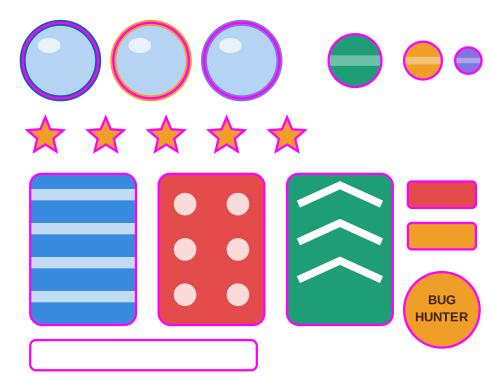
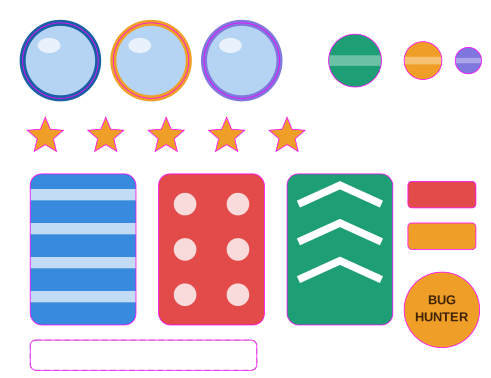
| Sticker sheet Roland BN-20, print + cut, one per student |
 |
SVG | Inkscape · Illustrator · DXF |
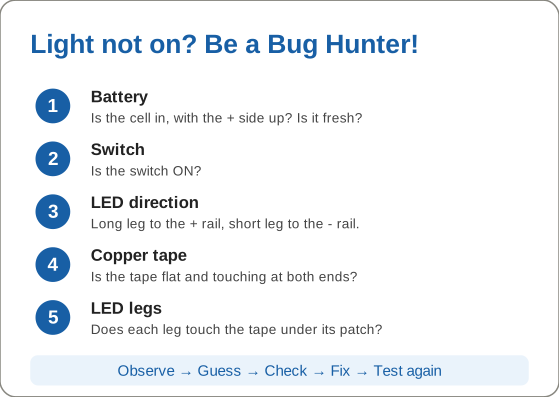
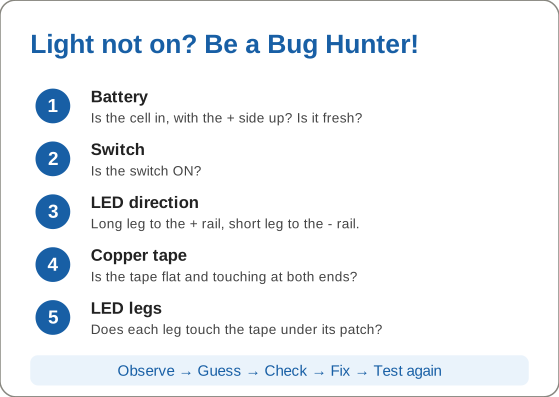
| Troubleshooting card A6, Bug Hunter |
 |
SVG | Inkscape · Illustrator |
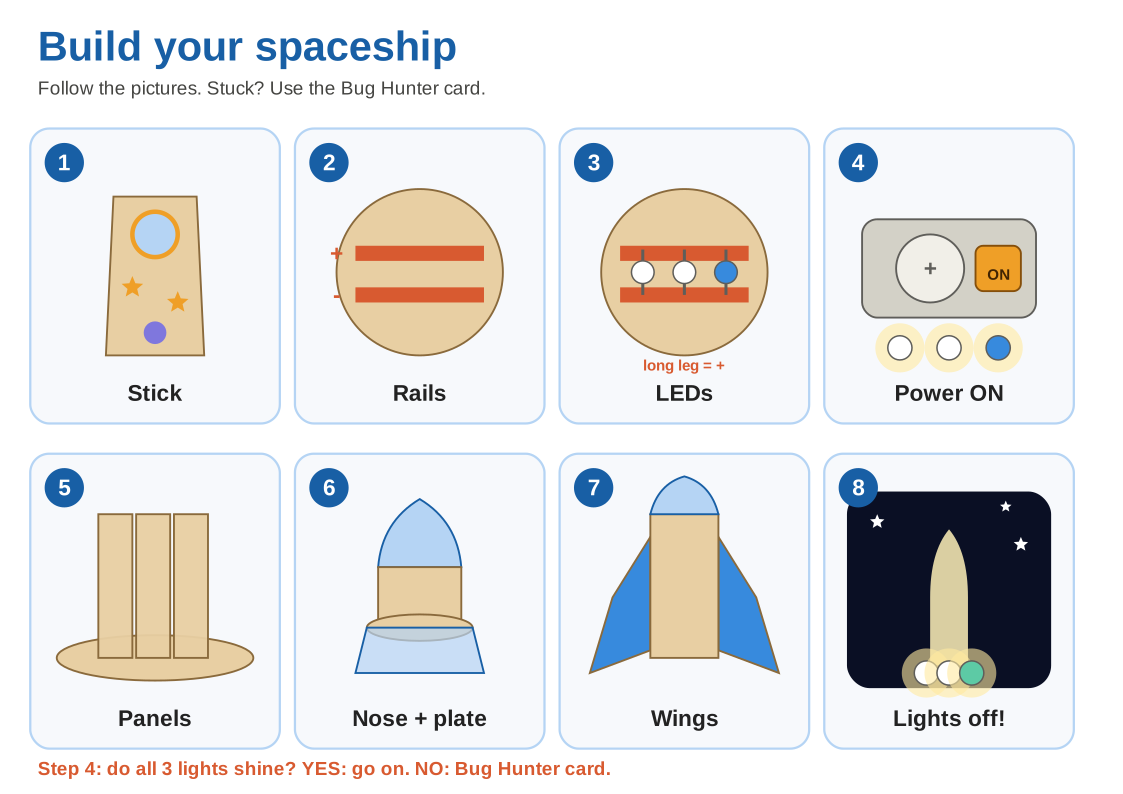
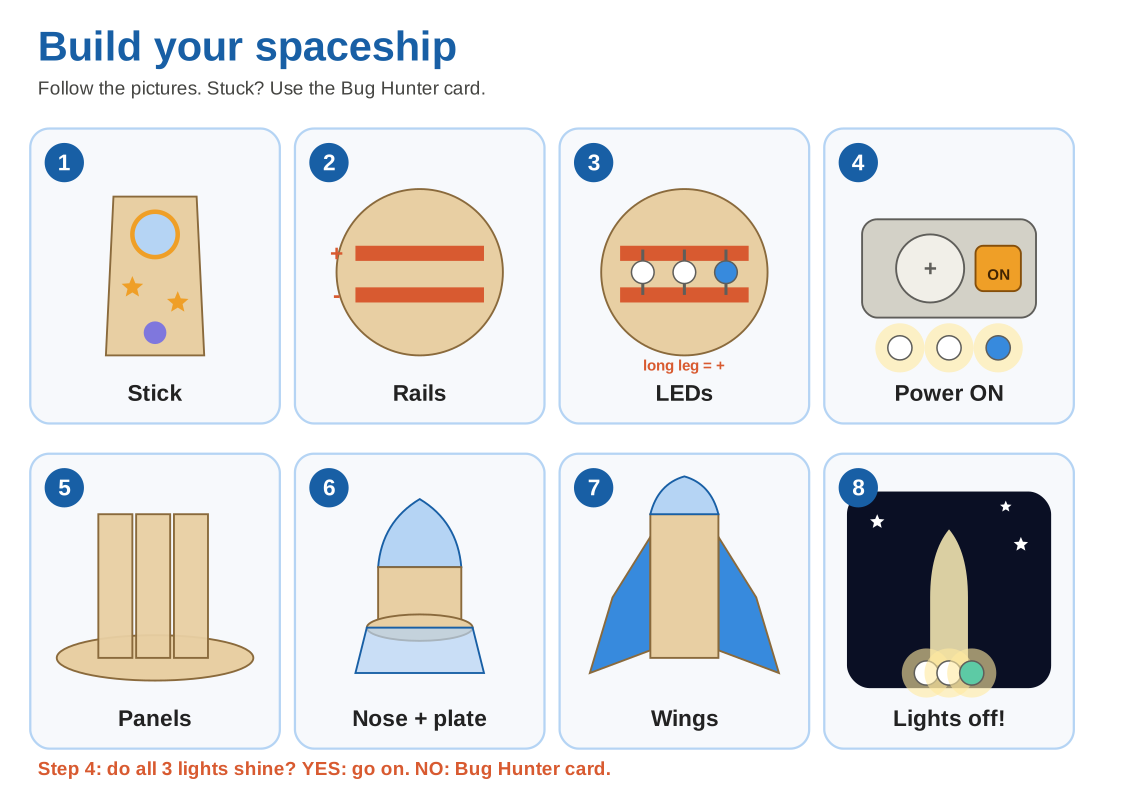
| Student step card A4, picture-first |
 |
SVG | Inkscape · Illustrator |






Test logs
| File | What it is |
|---|---|
| bench-test-template.csv | Electronics bench test log |
| pilot-log-template.csv | Pilot lesson log |
| ab-test-template.csv | Model A / B build and test log |
| ab-decision-template.csv | Model A / B weighted decision table |
Laser colors
Red hairline = cut, black = engrave. In the sticker sheet, magenta is the BN-20 cut line.
3D models to look at
Open them in any 3D viewer or slicer preview. They are simplified previews, not for printing: slots in the nose cone and the diffuser window are missing. Print from the STL files above.
| Model | File | View online |
|---|---|---|
| Model A, whole ship | v1_assembly_preview.stl | 3D explorer |
| Model B, whole ship | v1b_assembly_preview.stl | 3D explorer |
In the explorer you can turn the ship, pull it apart, cut it in half and switch between Model A and Model B.
Game
Play Mission Control A game for iPad that teaches the machines, the circuit, the fit and the build order.
Sources and tools
Everything above is generated from these files. To change a design, change a number here, then rebuild. Do not edit the generated files by hand.
| File | What it does |
|---|---|
| generators/build.py | Rebuilds every Model A file |
| generators/model_b.py | Builds every Model B file |
| generators/model3d.py | Builds the Model A 3D preview and explorer data |
| generators/printables.py | Copper band, sticker sheet, troubleshooting card |
| 3d/v1_nose_cone.scad, v1_diffuser.scad, v1b_nose_cone.scad | The parametric 3D parts |
| kit-list.md | Parts per kit and the parameter map |
Repository scripts: svg_tool.py (prepare and check SVG files), export_formats.py (Inkscape, Illustrator, DXF, Onshape), export_stl.sh (print STL files), check_stl.py (check an STL), export_test_prints.sh (tolerance test prints). They are in the scripts folder of the repository and in the ZIP above.
Drawings
Base plate and diffuser
Panel and nose cone
Wing
Model B